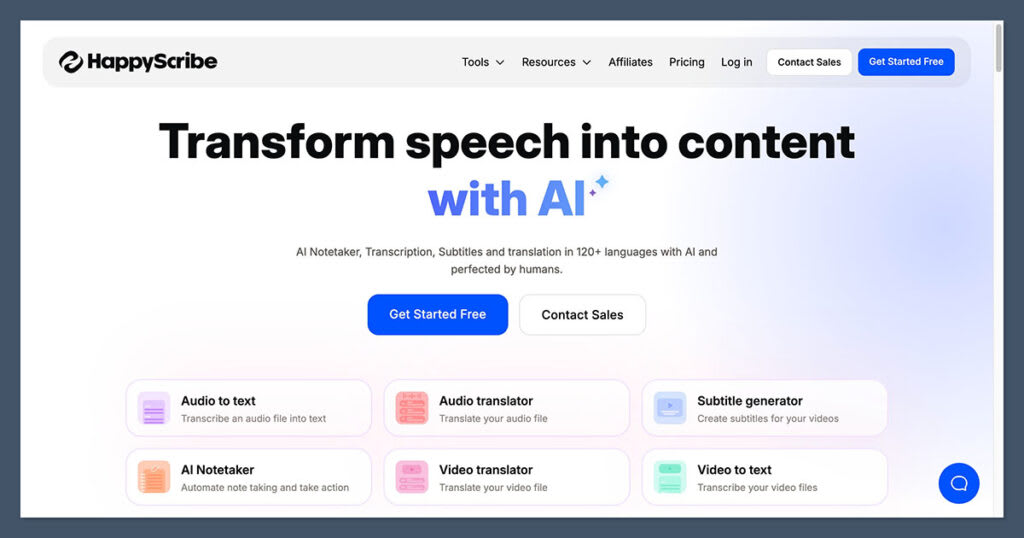
If you regularly work with podcasts, YouTube videos, interviews, webinars, or online courses, manually transcribing audio can take hours. HappyScribe is designed to make this process faster with AI transcription, subtitles, translation, and meeting transcription.
But is HappyScribe worth using?
In this HappyScribe review, we’ll look at its features, transcription accuracy, subtitle tools, pricing, pros and cons, and the best alternatives to help you decide if it’s right for you.
What Is HappyScribe?

HappyScribe is an online platform for AI transcription, subtitles, translation, and meeting notes. You can upload audio or video files, generate transcripts, create subtitles, translate content, and edit everything from your browser.
The platform supports 150+ languages and accents for AI transcription and subtitles, making it useful for both individual creators and international teams.
HappyScribe Pros and Cons
| Feature | Verdict |
|---|---|
| AI Transcription | Fast and accurate with clear audio |
| Subtitle Generator | Excellent for YouTube and social media |
| Language Support | 150+ languages and accents |
| Ease of Use | Simple browser-based editor |
| Human Transcription | High-quality but more expensive |
| Integrations | Strong selection of popular platforms |
| Pricing | Flexible plans for different users |
What We Like
-
- Fast AI transcription
- Supports 150+ languages and accents
- Automatic speaker detection
- Easy transcript and subtitle editing
- Multiple subtitle export formats
- Translation tools
- Human transcription option
- Integrations with popular platforms
- Useful AI-powered features
What We Don’t Like
-
- AI transcription still requires proofreading
- Difficult audio can reduce accuracy
- Human transcription costs more than AI
- Some advanced features are limited to higher plans
How Accurate Is HappyScribe?

HappyScribe’s AI transcription works best when the recording has clear audio and limited background noise.
It can handle interviews, podcasts, meetings, webinars, and other common recordings, but you may need to correct errors when there are multiple speakers, overlapping conversations, strong accents, or technical terminology.
The platform also provides automatic speaker detection, which helps organize interviews and conversations. However, speaker labels should still be checked before publishing.
For projects where accuracy is especially important, HappyScribe offers human-made transcription services.
HappyScribe Subtitle Generator
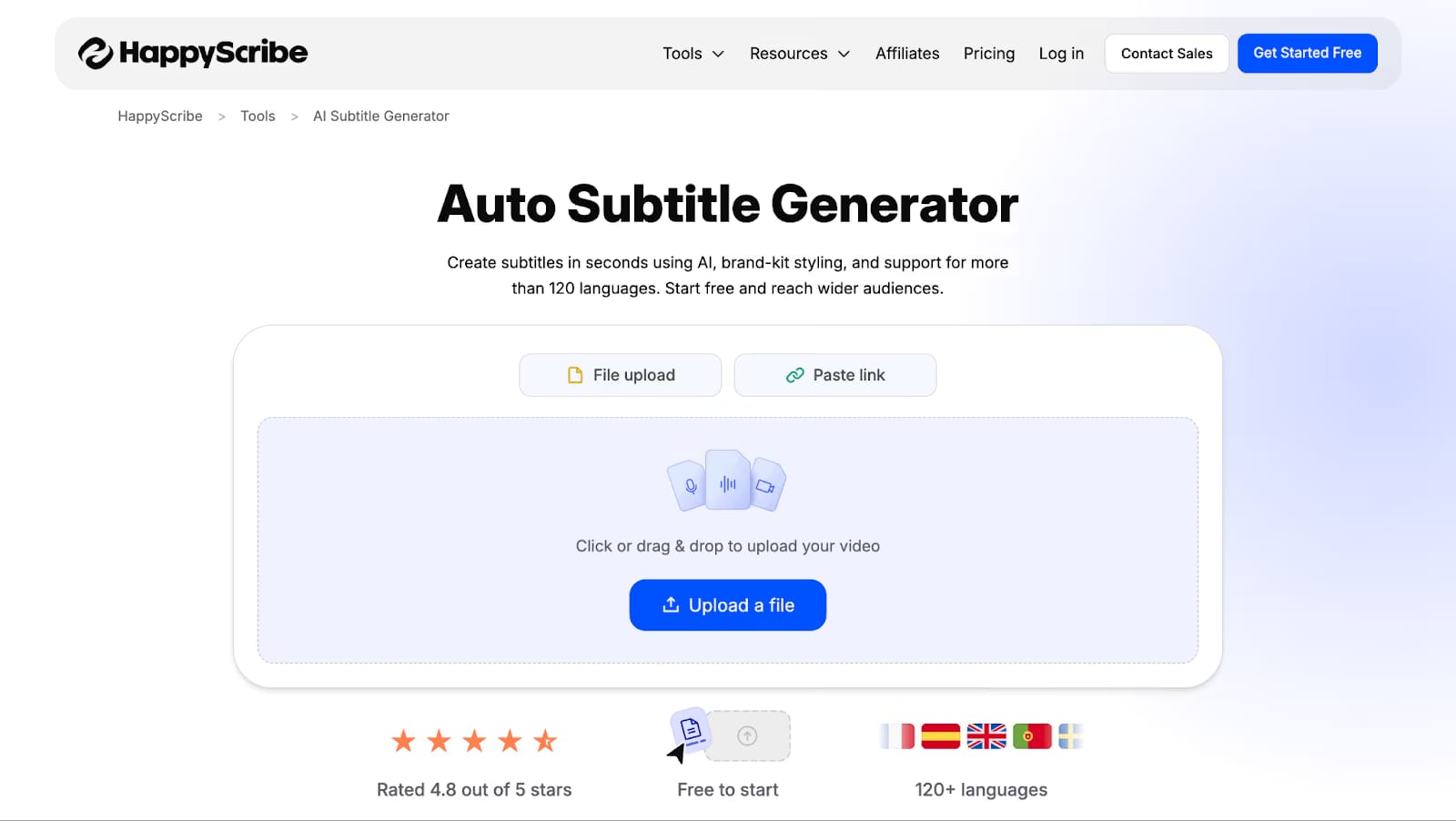
One of HappyScribe’s strongest features is its subtitle generator.
After uploading a video, you can automatically generate synchronized subtitles and edit them using the built-in editor.
You can:
-
- Adjust subtitle timing
- Edit text
- Control characters per line
- Translate subtitles
- Export subtitles in different formats
- Create subtitles for social media and video platforms
- Add subtitles directly to videos
Supported formats include SRT, VTT, STL, XML, FCPXML, EDL, and others, depending on the plan.
This makes HappyScribe particularly useful for YouTubers, video creators, marketers, and course creators.
HappyScribe Languages
HappyScribe supports 150+ languages and accents for AI transcription and subtitles.
Some supported languages include:
-
- English
- Spanish
- French
- German
- Italian
- Portuguese
- Dutch
- Hindi
- Arabic
- Japanese
- Korean
- Mandarin
- Bengali
- Punjabi
- Tamil
- Telugu
You can also translate subtitles into other languages, which is useful if you’re creating content for an international audience.
HappyScribe AI Meeting Notetaker
HappyScribe also offers AI meeting transcription for platforms such as Zoom, Google Meet, and Microsoft Teams.
It can record meetings, generate transcripts, identify speakers, and create summaries.
This can save time for:
-
- Business meetings
- Client calls
- Interviews
- Online classes
- Research sessions
If you mainly need meeting notes, however, dedicated meeting transcription tools may offer a more specialized experience.
HappyScribe Pricing
HappyScribe offers several plans, including Free, Basic, Pro, Business, and Enterprise.
| Plan | Best For | AI Minutes | Starting Price* |
|---|---|---|---|
| Free | Testing the platform | Trial | Free |
| Basic | Individuals | 120/month | $8.50/month |
| Pro | Professionals & small teams | 600/month | $19/month |
| Business | Agencies & larger teams | 6,000/month | $59/month |
| Enterprise | Large organizations | Custom | Contact sales |
*Pricing can change, and annual billing may offer different rates.
Which HappyScribe Plan Should You Choose?
Free: Best for testing the service.
Basic: Good for individuals with relatively small transcription needs.
Pro: A better option for regular content creators and small teams.
Business: Designed for agencies and teams handling larger volumes of content.
Enterprise: Best for organizations that need advanced administration and support.
HappyScribe Human Transcription
If AI transcription isn’t accurate enough for your project, HappyScribe also offers human-made transcription and subtitles.
Human transcription is designed for situations where accuracy is more important than price, such as professional interviews, business content, academic material, and other important recordings.
The main disadvantage is cost. Human transcription is considerably more expensive than using AI.
HappyScribe Integrations
HappyScribe integrates with several popular platforms, including:
-
- YouTube
- Vimeo
- Zoom
- Google Meet
- Microsoft Teams
- Google Drive
- Dropbox
- Box
- Zapier
These integrations can make it easier to move recordings into your transcription workflow without manually downloading and uploading every file.
HappyScribe Alternatives
If HappyScribe isn’t the right fit, there are several alternatives worth considering.
| Tool | Best For |
|---|---|
| Otter.ai | Meetings and AI notes |
| Descript | Podcast and video editing |
| Rev | Human transcription |
| Sonix | AI transcription and multilingual content |
| HappyScribe | Transcription, subtitles, and translation |
Otter.ai is a good choice if meetings are your primary focus.
Descript is better if you want transcription combined with audio and video editing.
Rev is worth considering when you need professional human transcription.
HappyScribe is a strong all-around option when subtitles and multilingual content are important.
Who Should Use HappyScribe?
HappyScribe is best suited to:
-
- YouTubers creating captions and subtitles
- Podcasters turning episodes into transcripts
- Content creators repurposing videos into written content
- Marketing teams transcribing webinars and interviews
- Freelancers and agencies handling client transcription projects
- Course creators creating accessible and multilingual content
Final Verdict: Is HappyScribe Worth It?
Yes, HappyScribe is worth considering if you need transcription, subtitles, and translation in one platform.
Its biggest strengths are its large language selection, easy-to-use editor, subtitle tools, integrations, AI features, and optional human transcription services.
The main drawback is that AI-generated transcripts aren’t perfect. Poor audio, background noise, accents, and overlapping speakers can require additional editing.